CRM · Sales Analytics
Inside the SOBERAN Sales Analytics workspace
Read commercial performance in the same context as the accounts, products, and orders behind it.
SOBERAN
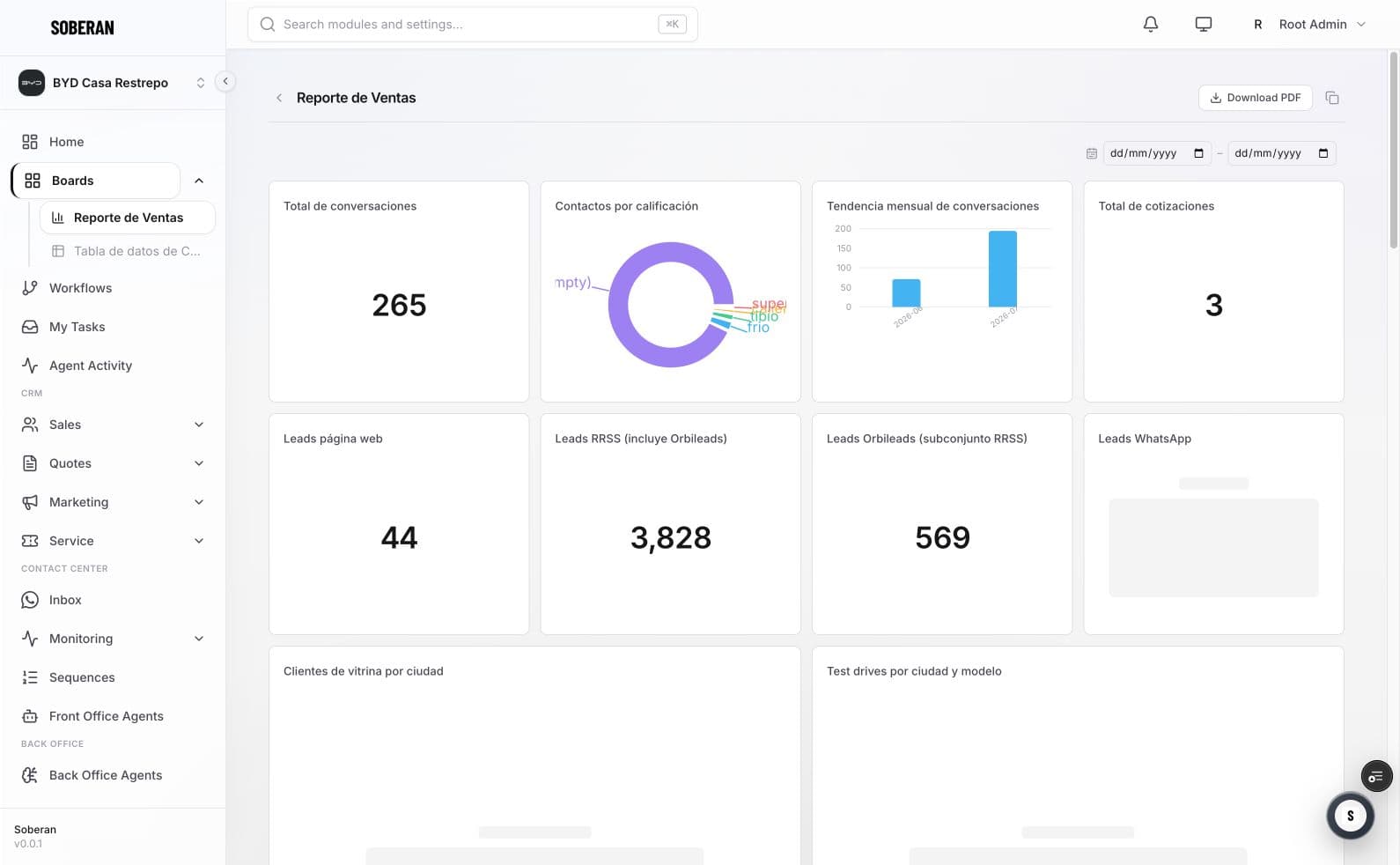
Sales Analytics organizes commercial measures around the underlying account, opportunity, product, owner, and order context. The purpose is to move from a chart to the record and next action without rebuilding the analysis elsewhere.
01
What the screen shows
- Commercial grain
- Account · owner · product
- Performance view
- Trend · mix · conversion
- Operating link
- Opportunity → order
- Action mode
- Inspect · assign · follow up
02
Workflow walkthrough
- 01
Choose the commercial slice
Filter the period, owner, account, product, or segment.
- 02
Read the measure
Compare performance without detaching it from the underlying population.
- 03
Inspect the record
Move from the aggregate to the account, opportunity, or order.
- 04
Assign the next action
Keep ownership and follow-up attached to the commercial context.
03
Questions to review in a demo
- Is the metric tied to a defined population and period?
- Can the team drill into the records behind the trend?
- Does order reality agree with pipeline reporting?
- Who owns the next action?