ERP · Freight Execution
Inside the SOBERAN Freight Execution workspace
Follow shipment work without losing the records and exceptions behind each operational status.
SOBERAN
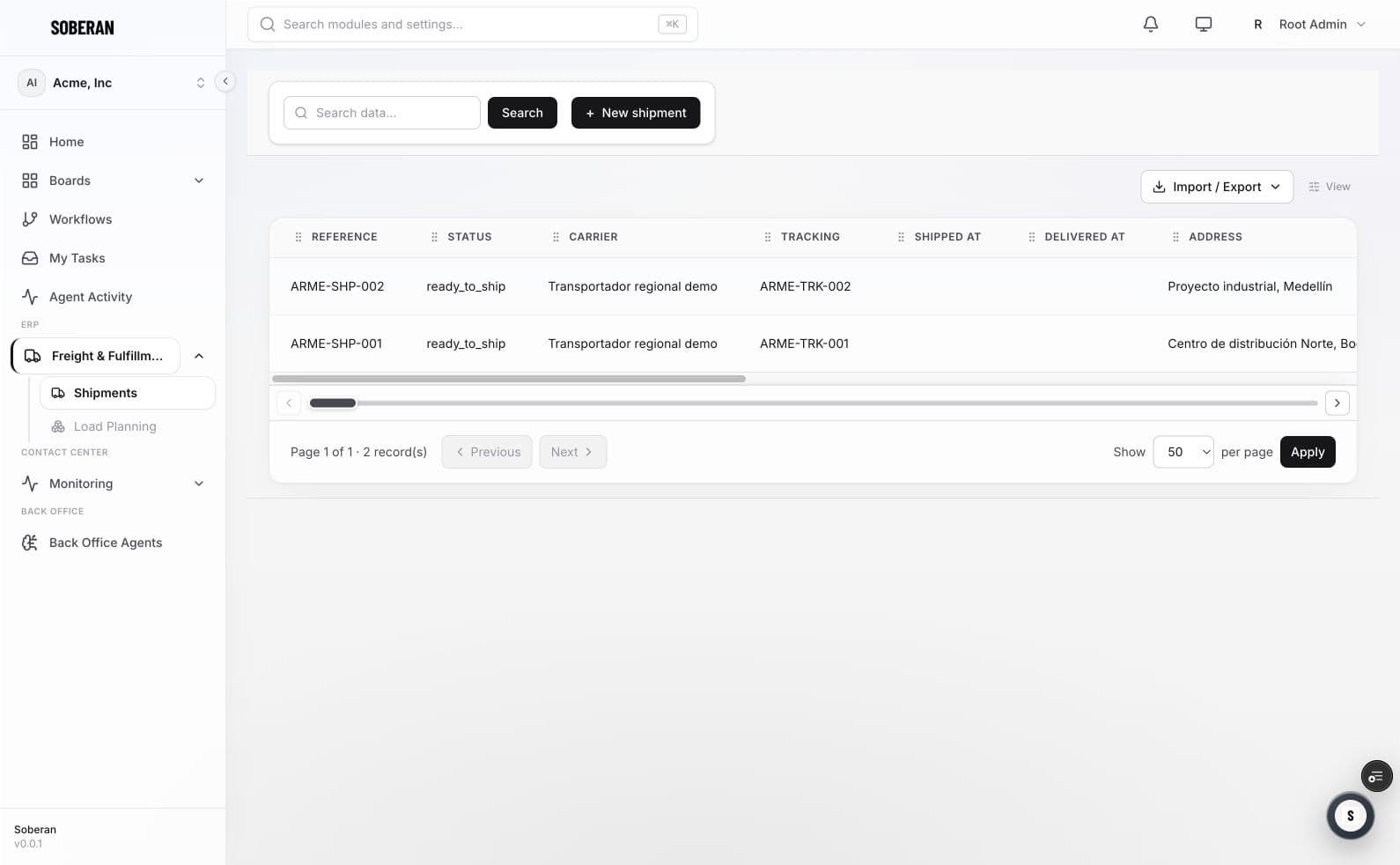
The freight workspace keeps shipment records and operational status together. It provides the working context around Load Planning so selected freight, readiness, exceptions, and the approved vehicle plan can move through one connected handoff.
01
What the screen shows
- Primary record
- Shipment
- Operational context
- Readiness · status · exceptions
- Planning handoff
- Selected freight → vehicle plan
- Shared users
- Transport · warehouse · service
02
Workflow walkthrough
- 01
Review shipment records
Confirm the freight and package context available for execution.
- 02
Validate readiness
Separate ready work from blocked or incomplete records.
- 03
Connect the load plan
Send the selected shipment set into the vehicle-planning workflow.
- 04
Follow exceptions
Keep changes, unpacked packages, and required next actions attached.
03
Questions to review in a demo
- Is the shipment record complete enough to plan?
- Which status is operationally authoritative?
- Can every exception be assigned and explained?
- Does the approved plan remain attached to execution?